Digital SOPs in Manufacturing: From Binders to Mobile
Quick answer
Paper SOPs are out of date, hard to find and in the wrong language. How to move a plant to digital SOPs workers can use at the machine, step by step.
Walk through most plants and you'll find standard operating procedures in three places: a controlled copy in the quality department's document system, a printed binder near the line that may or may not be the latest revision, and the heads of the experienced operators who actually know how the job is done.
Only one of those three is reliably current, and it's the one the operator can't reach.
Digital SOPs promise to fix that: one current version, available at the point of work, in a form workers can actually use. Done well, they reduce errors, speed up training and make audits easier. Done badly, they're just the same 30-page PDF moved onto a tablet nobody looks at.
This guide explains what good digital SOPs look like in manufacturing, and how to move a plant from binders to mobile work instructions without disrupting production.
Why paper SOPs fail on the shop floor
- Version drift. Printed copies go out of date the moment a revision is approved. Nobody's sure the binder is current.
- Wrong place. The SOP lives in an office or a cabinet. The question comes up at the machine, mid-shift.
- Wrong format. Long, legal-style documents written for auditors, not step-by-step instructions written for operators. We made this argument in your SOPs are written for auditors, not workers.
- Wrong language. English-only documents for a workforce that reads Hindi, Marathi, Tamil or Bengali more comfortably.
- No feedback loop. If a step is impractical, there's no easy way for operators to say so, so they quietly work around it.
- No proof. A signature on a training sheet shows someone was told about the SOP once, not that they understand it.
The stakes are real. A study sponsored by ServiceMax from GE Digital, reported by Engineering.com, found that 23% of unplanned downtime in manufacturing came from human error. Clear, accessible procedures don't eliminate human error, but they remove one of its most avoidable causes.
What "digital SOP" should actually mean
Scanning PDFs into a shared drive isn't digitisation. A useful digital SOP system for manufacturing has these properties:
- One controlled source. The master SOP lives in one place with version control and approval workflow, usually your quality or document management system.
- A worker-facing layer. A step-by-step version derived from the master: numbered actions, photos or short clips of the real equipment, critical steps highlighted, in the worker's language with audio.
- Access at the point of work. On a phone or station tablet, opened from a QR code at the machine or sent directly to the worker before the task.
- Automatic updates. When the master changes, the worker version is reviewed and re-published, and the people who need to know are told.
- Acknowledgement and understanding. Workers confirm they've seen the update, and a couple of questions check they understood it.
- Answers on demand. Workers can ask a question and get the answer from the approved SOP, rather than guessing.
- Records. Who saw which version, when, and how they did on the check.
Step-by-step: moving a plant to digital SOPs
Step 1: Inventory and triage
List your SOPs and work instructions by area. For each, note how critical it is (safety, quality, customer requirement), how often it's used, and how often it changes. You'll usually find that 20% of SOPs cover most of the risk.
Step 2: Pick a pilot area
Choose one line or area with a clear reason to change: an upcoming audit, new equipment, recurring quality escapes or high turnover. Keep the pilot to 10 to 20 critical SOPs.
Step 3: Write the worker-facing version
For each pilot SOP, create a worker-facing version from the master:
- Numbered steps in the order the work happens.
- One action per step.
- A photo of the correct result for any visual check.
- The three or four critical steps flagged, each with a one-line reason.
- Translation into the languages on that line, plus audio.
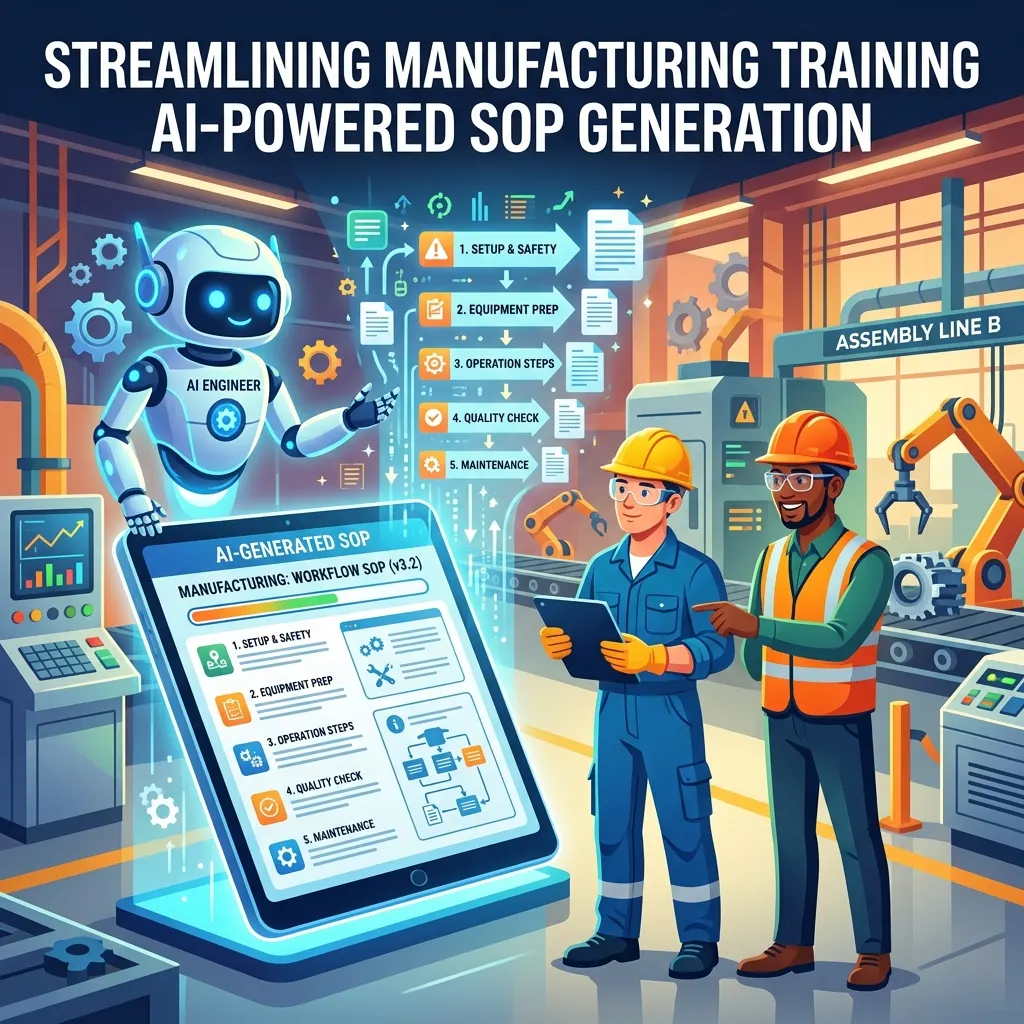
AI authoring speeds this up dramatically. Our guide to AI-generated SOP training for manufacturing shows how to go from a PDF to a short lesson in minutes. The SOP owner must still review every worker version before release.
Step 4: Validate on the floor
Walk through each worker-facing SOP at the machine with an experienced operator and a new one. Fix anything confusing or impractical. If experienced operators say a step is always skipped, find out why before you publish.
Step 5: Put access where the work is
Add QR codes at each station that open the relevant SOP or step list. See our guide to QR code training on the factory floor. Send the SOP directly to workers' phones before they first do the task and before infrequent tasks like monthly changeovers.
Step 6: Train with short lessons, not read-and-sign
Turn each critical SOP into a three-minute lesson with two or three questions. Deliver it to the people who do the task, track completion and scores, and follow up with anyone who struggles. Our SOP training adherence guide covers measurement.
Step 7: Retire the paper
Once the pilot area is live and workers are using the digital version, remove uncontrolled printed copies. Keep a laminated emergency summary for situations where phones aren't allowed or available.
Step 8: Expand
Roll out area by area, using the pilot's results (fewer deviations, faster training, cleaner audits) to build support.
Governance: keeping digital SOPs accurate
Digital SOPs fail when governance is weak. Put these rules in place:
- Every SOP has a named owner who approves both the master and the worker version.
- A master revision triggers a worker-version review within an agreed time.
- A review cycle (for example, annually) for every SOP, even if nothing changed.
- An easy way for operators to flag problems, and a commitment to respond.
- Version visibility: workers should always be able to see which revision they're looking at.
Where digital SOPs connect to everything else
- Training: each SOP becomes a short lesson and a refresher.
- Shift handover: changes and issues get recorded digitally instead of in paper logbooks. See WhatsApp shift handover replacing paper logbooks.
- Skills records: completing an SOP lesson and passing a supervisor sign-off updates the skill matrix.
- Knowledge assistance: a cited assistant can answer questions from the SOP library.
- Industry 4.0 initiatives: digital SOPs are often the first practical step towards connected work. See Industry 4.0 training for manufacturing workers.
Metrics to track
- Deviations and quality escapes linked to procedure errors, by area.
- Time for a new operator to become independent on a station.
- Share of workers who have completed the current version of each critical SOP.
- Audit findings related to procedures and training records.
- Number of operator-raised SOP improvement suggestions (a healthy sign).
Common mistakes
- Digitising the PDF and calling it done. The format is the problem, not the paper.
- Tablets locked in the supervisor's office. Access must be at the point of work.
- No change control for the worker version. This is how digital SOPs become dangerous.
- English only. If workers can't read it comfortably, they won't use it.
- Skipping the floor validation. Operators will tell you what's wrong in ten minutes.
How Leap10x helps
Leap10x is a WhatsApp-first microlearning platform used by manufacturers to get SOPs off the shelf and into workers' hands:
- AI turns SOP PDFs into short, step-by-step lessons with quizzes, polls and voice cards in about 10 to 15 minutes, in 70+ languages with audio.
- Delivered on WhatsApp, with no app or login, plus QR codes for point-of-work access (some delivery options are Enterprise features).
- Completion and scores per worker, with timestamps, PDF certificates and CSV exports for audits.
- Assist, a knowledge assistant that answers questions on WhatsApp only from your approved SOPs and manuals. Here's how a RAG knowledge assistant on WhatsApp works.
Leap10x complements your document management system rather than replacing it: the controlled master stays where it is, and Leap10x delivers the worker-facing version and the training. Customers see completion rates of 85% and above, compared with the 20–30% typical of traditional LMS rollouts.
FAQ
What is a digital SOP?
A standard operating procedure managed and delivered digitally, ideally with one controlled master, a worker-facing step-by-step version, access at the point of work, automatic updates, and records of who has seen and understood each version.
What's the difference between an SOP and a work instruction?
SOPs usually describe a process at a higher level, including purpose, scope and responsibilities. Work instructions describe how to perform a specific task step by step. On the shop floor, workers mostly need the work-instruction level.
Do digital SOPs satisfy auditors?
They can make audits easier, as long as the master is controlled, the worker version references it, and you keep records of training and acknowledgement. Check your specific standard's requirements.
How do you keep digital SOPs up to date?
Assign an owner to each SOP, make every master revision trigger a review of the worker version, notify affected workers, and run a regular review cycle.
CTA: Send us your most-used SOP. Book a demo and we'll show it as a step-by-step WhatsApp lesson with a cited assistant, or start free for 14 days.
Frontline training
Training software built for deskless teams
Onboarding, SOPs, safety refreshers, and compliance evidence for workers with no corporate email and no company device — tracked by site, role, and shift.